
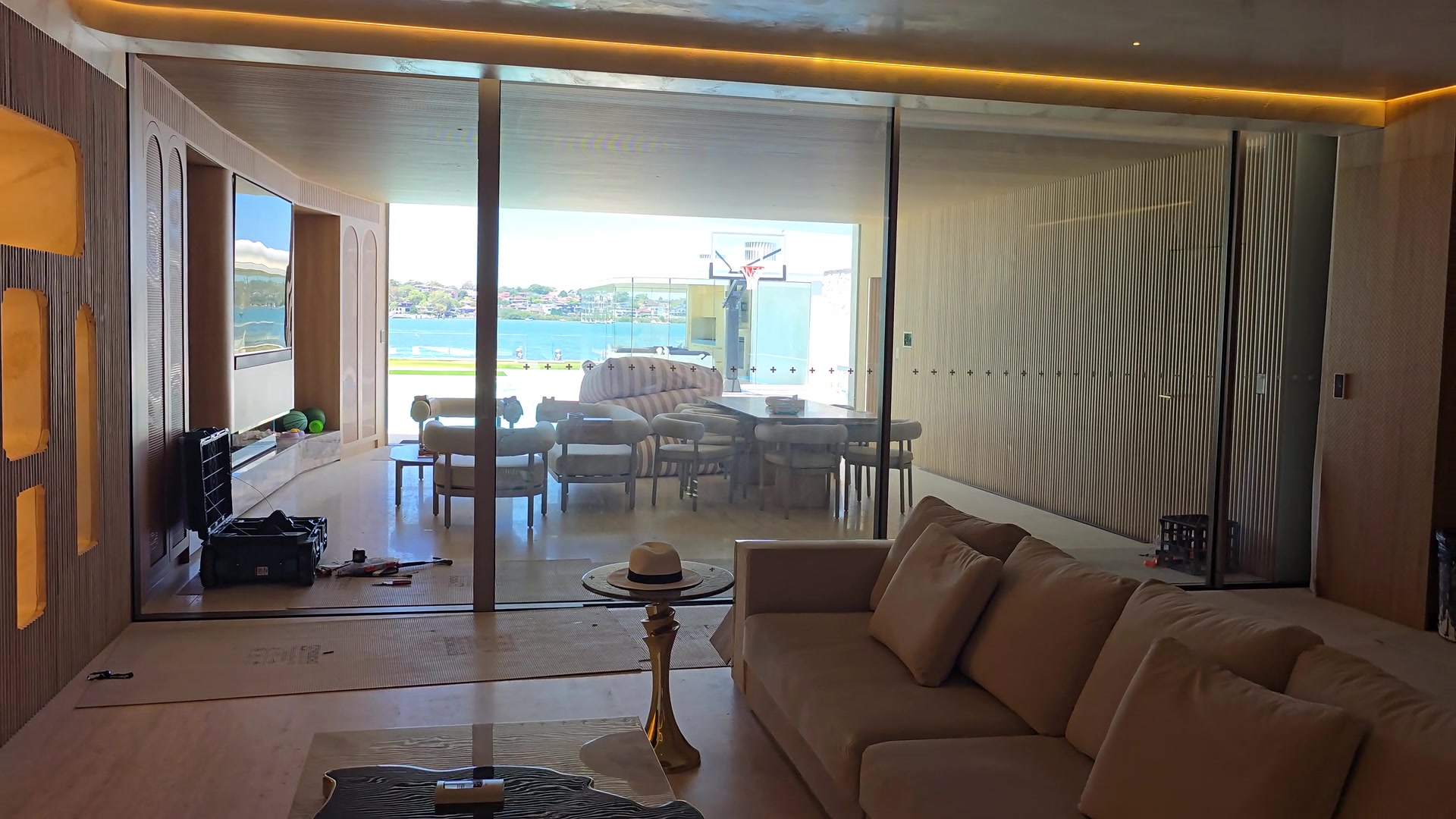
FOR HOMEOWNERS
Let your home
move with you.
Make large doors effortless to operate and hard-to-reach windows part of everyday life. Airla selects and installs the automation around openings supplied by your manufacturer.
DESIGNED AROUND YOU
Start with the way you live.
Open up your space
Explore automation for heavy or oversized doors, with controls suited to the way you use your home.
Bring fresh air within reach
Operate high-level windows easily. A wind and rain sensor can close them for you when the weather turns.
New home or existing space
Plan automation into a new build, or ask us to assess a retrofit. Suitability depends on your existing windows and doors.
SIMPLE CONTROL
You choose how it moves.
Pick the control that suits the way you live. Airla confirms the options and any integration for your project before installation.
- Wall touchscreenOpen, close, stop and unlock from the main control panel.
- RemoteA handheld fob for everyday use around the home.
- Keypad and sensorsAn exterior keypad for entry, or hands-free sensors as you approach.
- Voice and home automationGoogle Home or Alexa with the Wi-Fi module, or a wired connection to your system.
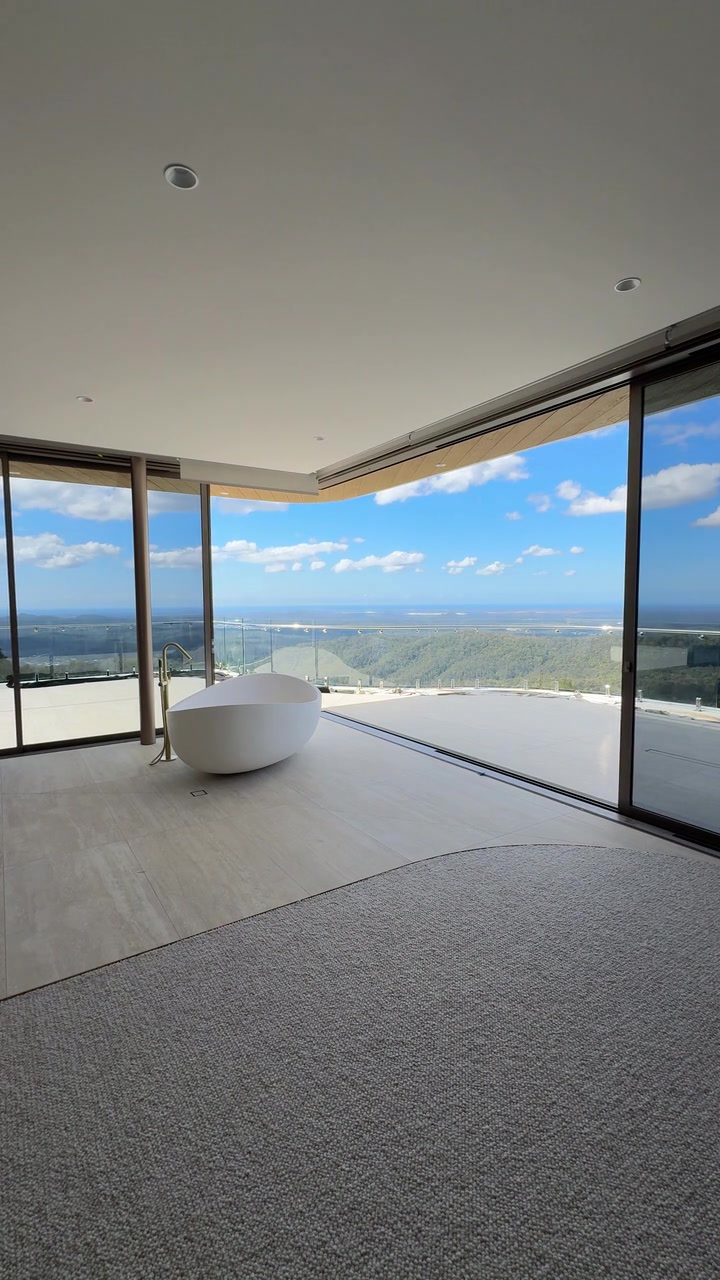
AUTOMATION IN MOTION
An opening that works
around everyday life.
Watch the corner sliding doors close at Maleny, with the panoramic hinterland view in focus. Carefully coordinated automation brings large openings into everyday use, with motors and controls selected around your door manufacturer’s system.
Your questions, answered.
The practical details homeowners ask us about most. If yours is not here, send it with your enquiry.
Can my existing doors or windows be automated?
Often, yes. On an existing sliding door the motor can be surface-mounted beside the frame, behind a cover finished to match, so a wall pocket is not required.
The door needs to be running well first. Automation will show up worn rollers or a track that is out of line, so we assess photos or visit before recommending an approach.
How will I control the doors?
Every system works from four commands: open, close, stop and unlock. A wall touchscreen is the main control, and you can add a remote, an exterior keypad or hands-free sensors.
The touchscreen also offers timed modes, such as closing the door behind you after a set period.
Do I need a smart home system?
No. The system works on its own from the wall control or remote.
If you have or are planning home automation, it connects at the control box through simple relay contacts for open, close, stop and unlock. Voice control through Google Home or Amazon Alexa is available with the Wi-Fi module and depends on your devices, so we confirm it for your project.
What power does it need?
One dedicated 240 V 10 A power point at the control box, provided by your electrician. The motors themselves run on 24 V DC, and the control box can sit in the wall pocket or up to 30 metres away in a cupboard or services room.
What happens in a power cut?
The control box has battery backup built in. The door can also be unlocked and moved by hand.
Does it need maintenance?
Very little while the doors keep running true. Homes settle, especially in the first few years, so we recommend a yearly check and recalibration. Airla Care is an optional annual service plan that covers it.
What should I send with my enquiry?
Photos or plans, your location and a short note on what you would like to automate. Rough sizes help if you have them.
Start with your space.
Send a few photos or tell us what you have in mind.