Touchscreens and everyday control
Choose a 12-in-1 touchscreen for a premium wall interface, or explore wall switch kits with a 6-in-1 upgrade option. Touch, hands-free activation and timer functions are considered around the compatible door system.

TOUCHSCREENS, SWITCHES & CONNECTED SYSTEMS
Choose door and window automation controls that feel natural to use. From a familiar wall switch to a remote or compatible smart home or building system, Airla helps shape how your openings respond to you.
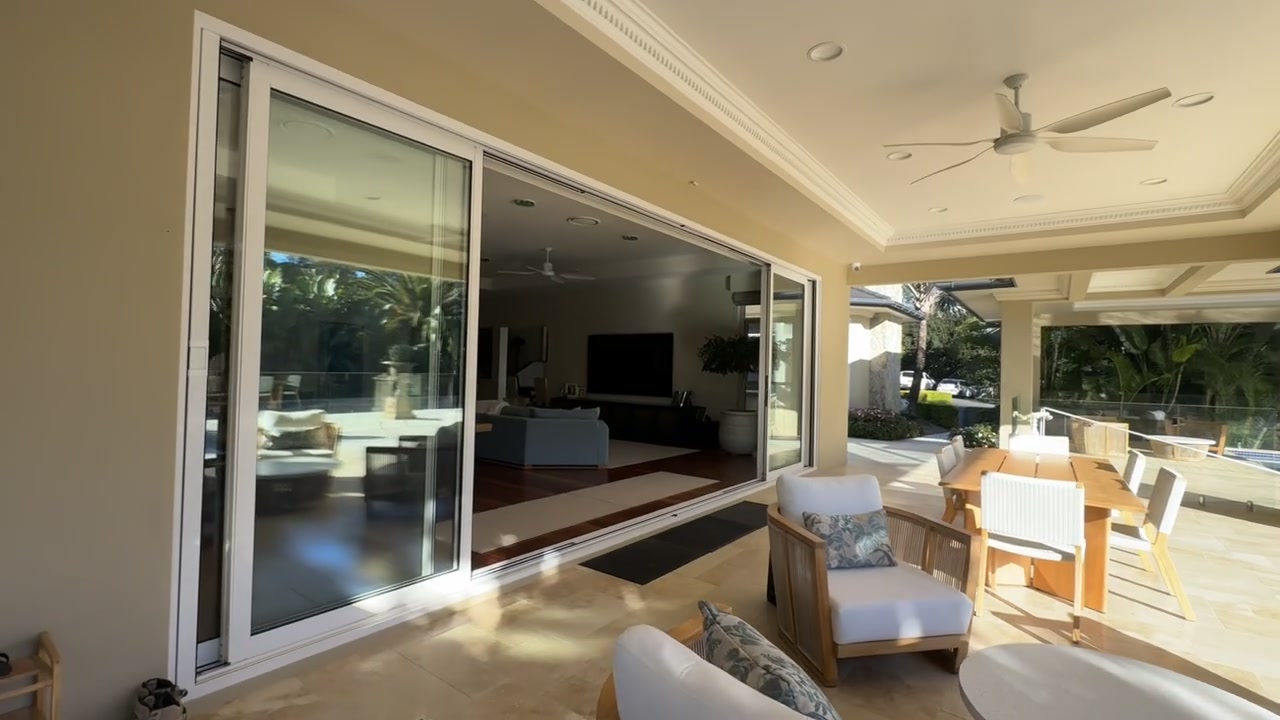
DESIGNED AROUND THE OPENING
Good automation starts with an opening that moves well and controls that are easy to use. Think about who uses the space, where they approach the opening and the functions they need each day.
Airla coordinates the operating controls with the selected motor or actuator. For smart home and building integration, we work through the compatibility, connection and intended functions with your project team.
Choose a 12-in-1 touchscreen for a premium wall interface, or explore wall switch kits with a 6-in-1 upgrade option. Touch, hands-free activation and timer functions are considered around the compatible door system.
Explore keypad and fingerprint access or a wave sensor for a compatible door system. We consider these alongside the motor controls, locking and how the opening will be used.
Discuss supported voice control, smart home or BMS connections, and environmental sensors. Compatibility and available functions are confirmed for the selected product combination.
Airla supplies, installs and commissions automation. Your chosen manufacturer supplies the doors, windows and glazing. Motor, actuator and control selection is confirmed against the opening, hardware, installation space and project requirements.
CONTROLS / COMPATIBILITY
Choose the interaction you want, then check the controller, actuator load and wiring. A channel count alone does not establish the number of windows a system can operate.
| Window controller | Channels | Supply / output | Output limit |
|---|---|---|---|
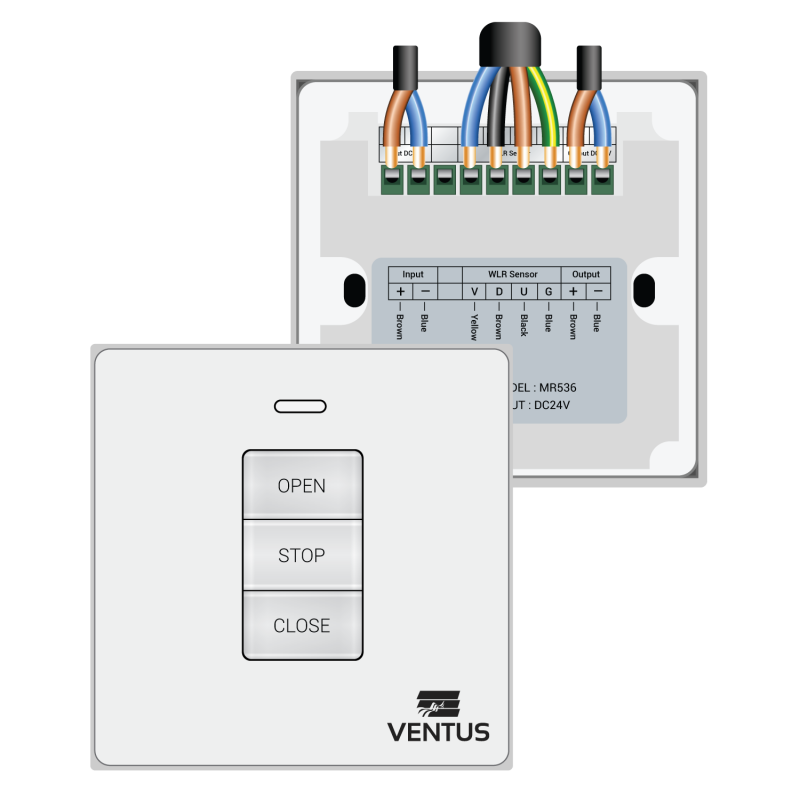
| MR536 | 1 | 24 V DC | 10 A maximum |
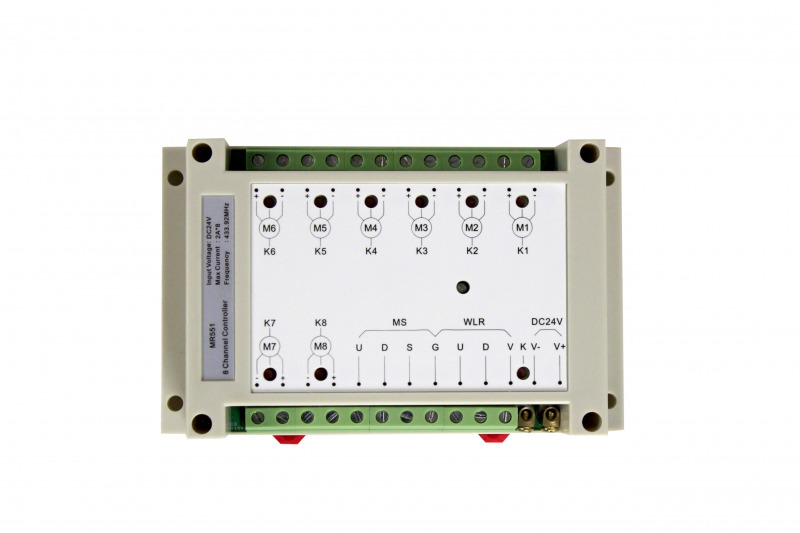
| MR551 | 8 | 24 V DC | 2 A per channel |
Source: Manufacturer control catalogue, p. 26. Paired power-strut arrangements use two motors per window; MR551 is limited to four windows in that arrangement.
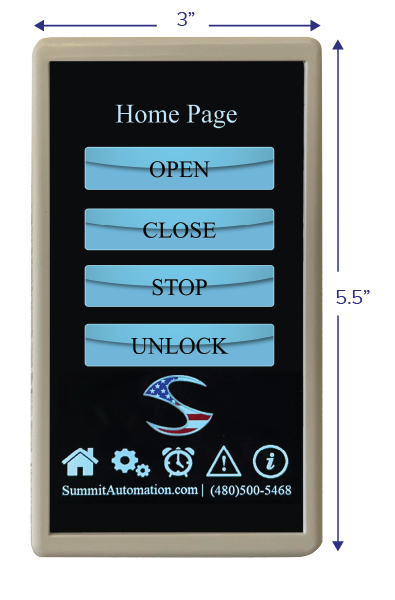
The 12-in-1 touchscreen brings settings, timers and diagnostic menus to a compatible door automation system. The selected control unit and installation determine available functions. Airla confirms the exact touchscreen model, connections and firmware before specification.
The available touchscreen instruction index does not verify supply voltage, dimensions or IP rating. These details require the supplied-model datasheet.
Browse the control and accessory range. Choose the interaction you want, then let Airla assess the components and connections needed to deliver it.
CONTROL & ACCESSORY
A premium interface for everyday movement.
Open, close, stop and unlock compatible door automation from a wall-mounted touchscreen. Explore touch-free activation, automatic screen brightness, a customisable display, timed operating modes, passcode protection and guest settings. Airla confirms the features and connections for your selected system.
Premium touchscreen door control
CONTROL & ACCESSORY
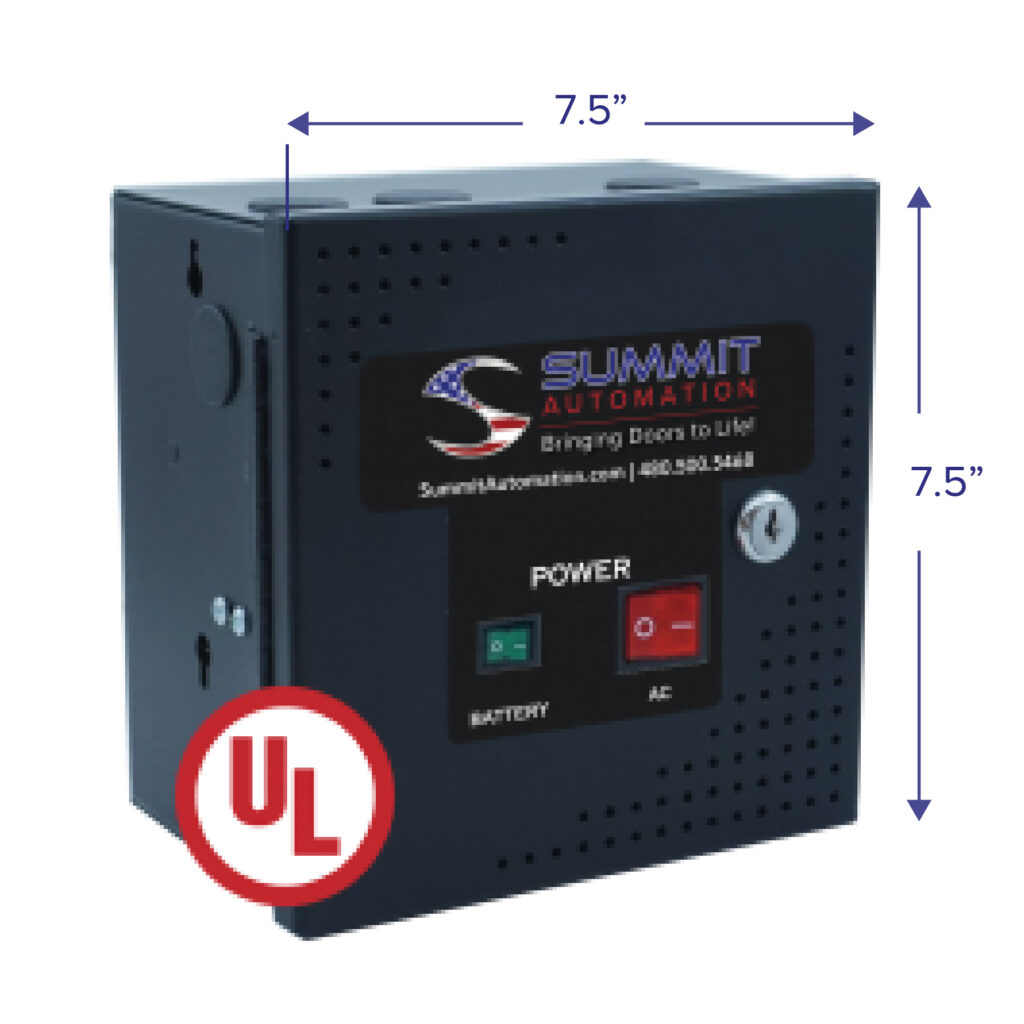
The connection between motor and controls.
The motor control unit manages a compatible door motor and connects the selected operating controls. It supports adjustable motor operation and battery backup within the configured system.
Compatible door motor systems

CONTROL & ACCESSORY
Simple operation. More ways to use it.
Choose a wired or wireless door wall switch in black or white, with open, close, stop and unlock functions and an optional four-digit security code. The upgraded 6-in-1 control adds timer functions and a proximity sensor for hands-free operation. Airla confirms the kit for your motor.
Standard wall switch or upgraded 6-in-1 control
CONTROL & ACCESSORY
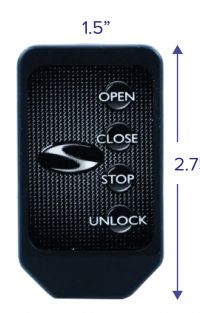
Control that moves with you.
A handheld remote fob for compatible door automation systems. A practical option when you want to operate the opening from another position in the room or as you approach it.
Portable door control
CONTROL & ACCESSORY
A convenient point of entry.
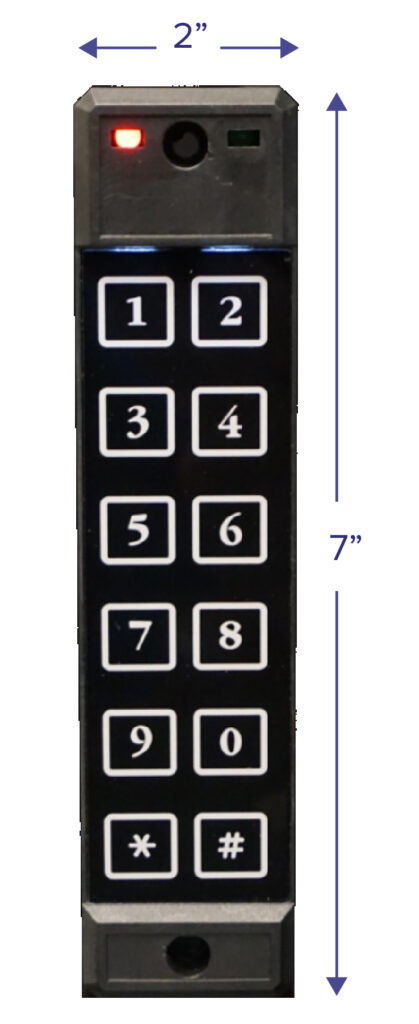
An exterior keypad option for compatible automation systems. Position a dedicated access control at the opening and discuss how it should work with the motor, locking and other controls.
Keypad access from outside

CONTROL & ACCESSORY
Access at your fingertips.
A fingerprint access option for compatible automation systems. Airla coordinates the reader, motor controls and access requirements around how the opening will be used.
Fingerprint access control

CONTROL & ACCESSORY
A wave is all it takes.
A wave sensor provides a hands-free activation option for a compatible automated door. A useful addition for spaces where reaching for a switch is inconvenient.
Hands-free door activation

CONTROL & ACCESSORY
Make voice part of your routine.
The Voice Command Module adds a voice-control option to compatible door automation installations. Discuss the supported smart speaker platform, connection and routines with Airla before selecting the system.
Voice operation and compatible smart home routines
CONTROL & ACCESSORY
Control for a smaller window group.
A single-channel window controller for compatible window actuators. An option for smaller installations where a group of windows should operate together.
Smaller groups of compatible windows
CONTROL & ACCESSORY
Coordinate several window openings.
An eight-channel window control panel for compatible window automation. An option for projects that need control across multiple openings and coordination with a building automation system.
Multiple windows and automation integration

CONTROL & ACCESSORY
Straightforward window operation.
A single-channel wall switch for compatible window automation systems. A simple control option when one opening or a single window group needs everyday operation.
Local control of one window group
CONTROL & ACCESSORY
A fixed control point for your windows.
A wired wall-mounted switch for compatible window automation. Coordinate the switch location and cabling with your electrical and building teams.
Wired local window control
CONTROL & ACCESSORY
Window control, organised by channel.
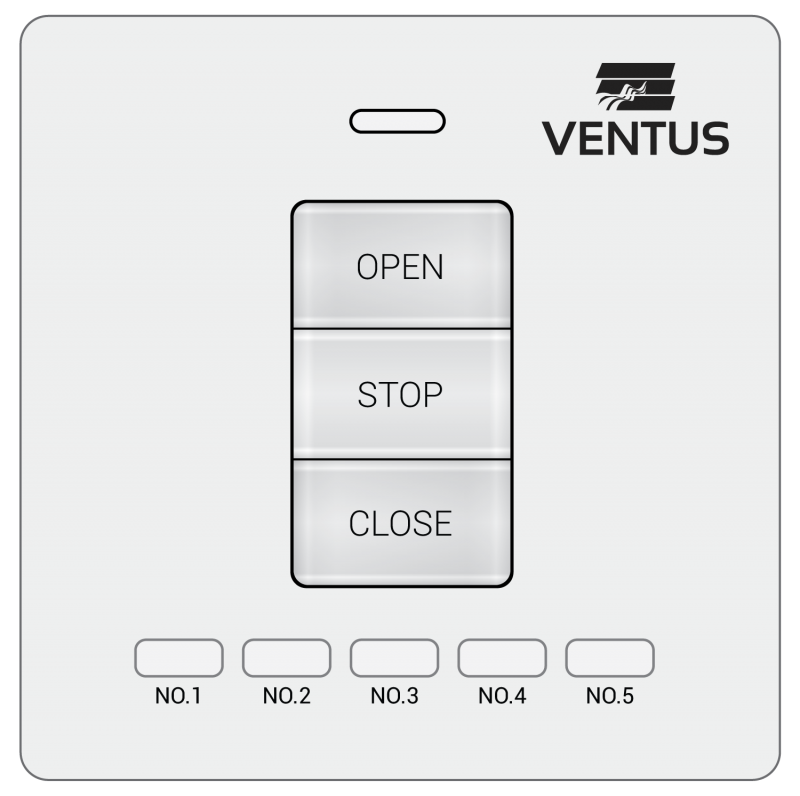
A five-channel wireless wall switch for compatible window automation. Select the opening or group you want to operate from a dedicated control point.
Wireless control of several window groups
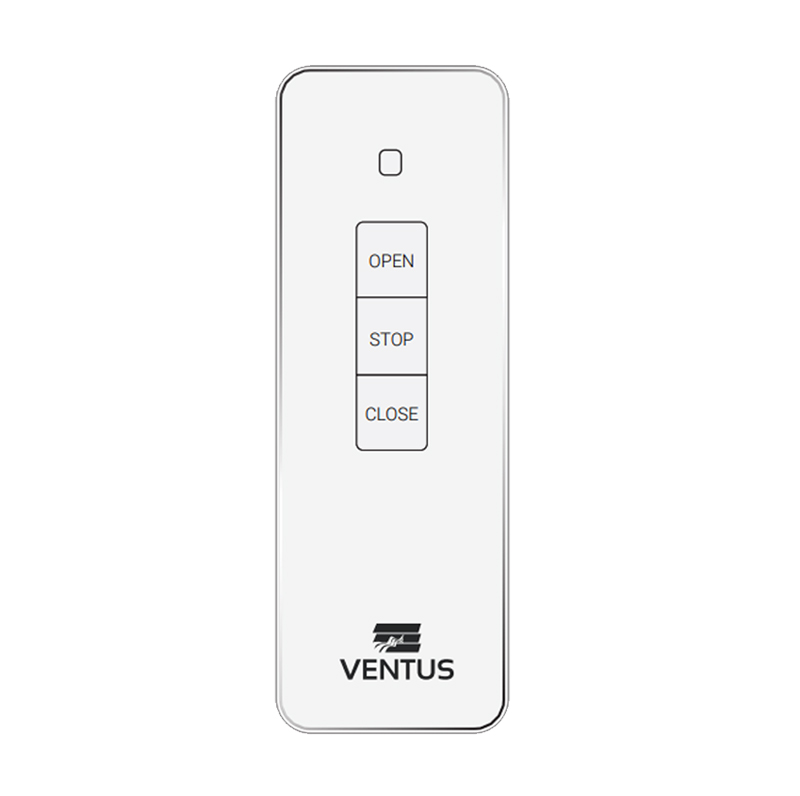
CONTROL & ACCESSORY
One channel. Convenient control.
A single-channel wireless remote for compatible window automation systems. Operate a selected opening or window group without returning to the wall switch.
Portable control of one window group

CONTROL & ACCESSORY
More openings, one handheld control.
A sixteen-channel wireless remote for compatible window automation systems. An option when several window groups need to be controlled from a single handset.
Portable control of multiple window groups
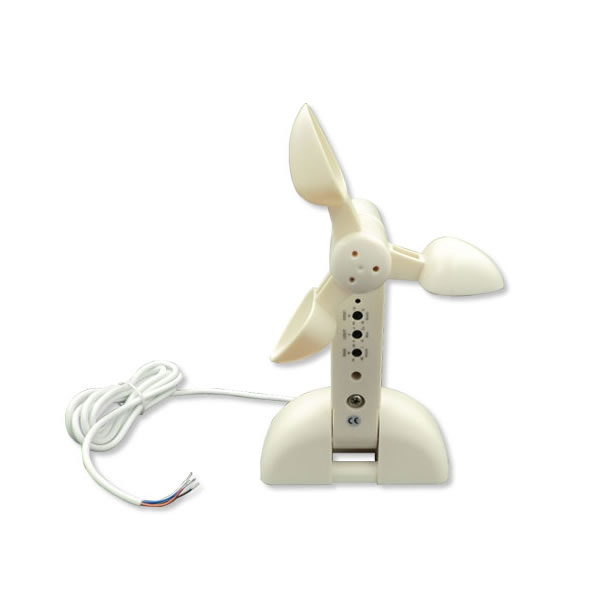
CONTROL & ACCESSORY
Let the controls respond to the weather.
A wind, light and rain sensor for compatible window automation. It provides environmental inputs so the configured system can respond to changing conditions.
Weather-responsive window operation

CONTROL & ACCESSORY
Plan for a power interruption.
A UPS battery backup option for compatible window automation installations. Discuss the supported load and operating requirements with Airla when planning the control and power arrangement.
Backup power for a compatible installation
Automation in motion
Learn about everyday operation and protection in this captioned guide. Switches, remotes, touchscreens and sensors are selected around the motor and the project requirements. Smart home or BMS connections depend on the selected equipment and interface.
Controls and motors must be selected as a compatible system. Airla confirms the product combination and connection requirements before recommendation.
Share the automation platform and integrator details. We assess the available interface and functions against the selected Airla motor and controller.
The range includes backup power options for compatible installations. The load, required operation and configuration need to be confirmed for your project.
Share drawings or photos of the opening, or a project message that explains what you would like to automate. We’ll help identify suitable motors, controls and the next steps.